Manage, collaborate, and distribute your construction schedule
StruXure.co centralizes your schedule in one place. Sync with tools like Microsoft Project and Primavera (P6) to make sure your project stays on track from start to finish. Edit your schedule directly in StruXure.co and export it in user friendly formats like .mpp, PDF, and .csv.
StruXure.co's search & views make finding information easy, helping you keep your project on track and team organized. You can:
Gain insights faster with focused results
Access essential schedule data quickly
Filter out unnecessary information
INTEGRATED TOOLS
Wherever you are, work together.
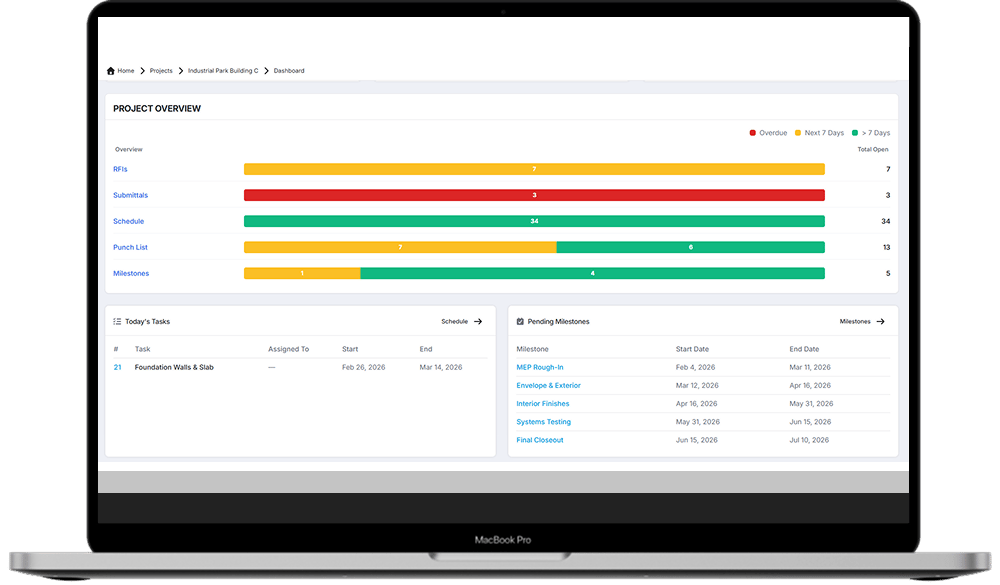
StruXure.co connects your schedule with other key tools giving real-time access to your team so they never miss an update. Stay in sync without extra effort:
Export & share data via professional PDFs
Synchronized task tracking ensures accuracy
Secure automated backups
Seamless integration across platforms like Primavera & Microsoft Project
Schedules capture and are impacted by a wide range of information, from personnel and equipment, to weather conditions and materials received.
Construction scheduling software is 'the playbook' of today’s construction project. Cloud-based and viewable by all permitted project workers, StruXure.co’s construction project scheduling software keeps the project on track in a shared, real-time scheduling environment with industry excepted formats.
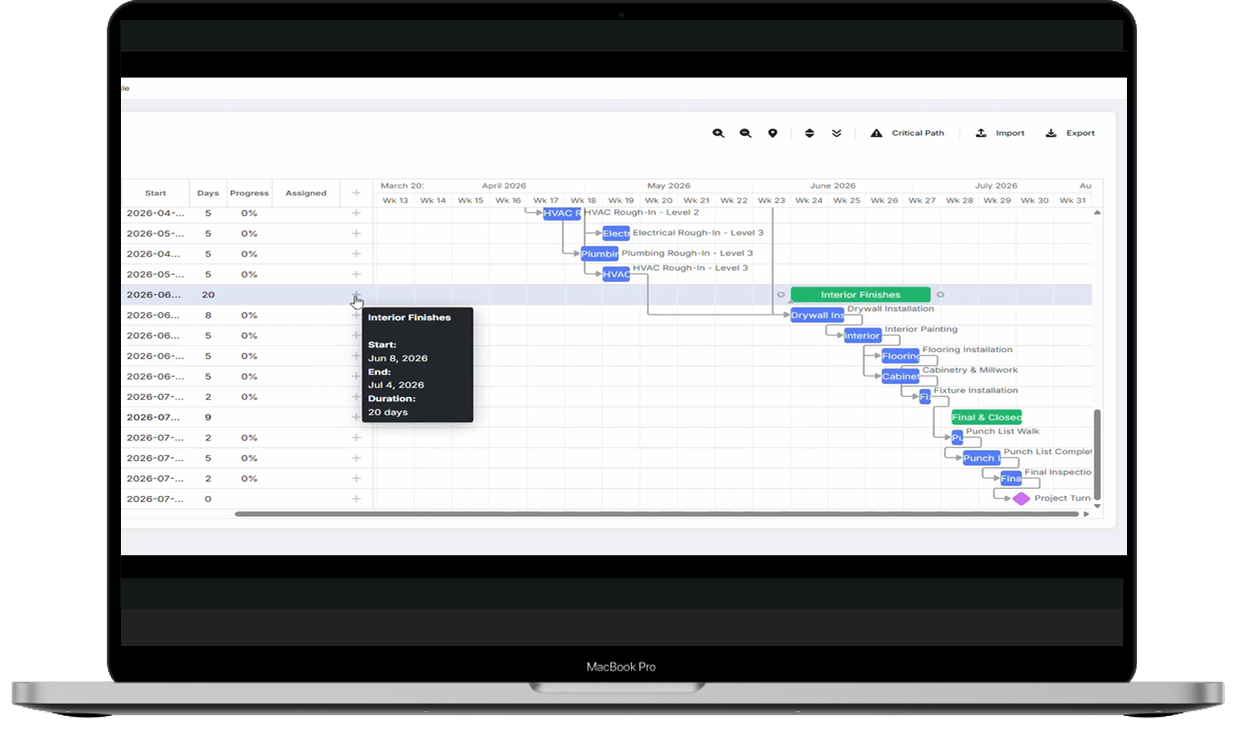
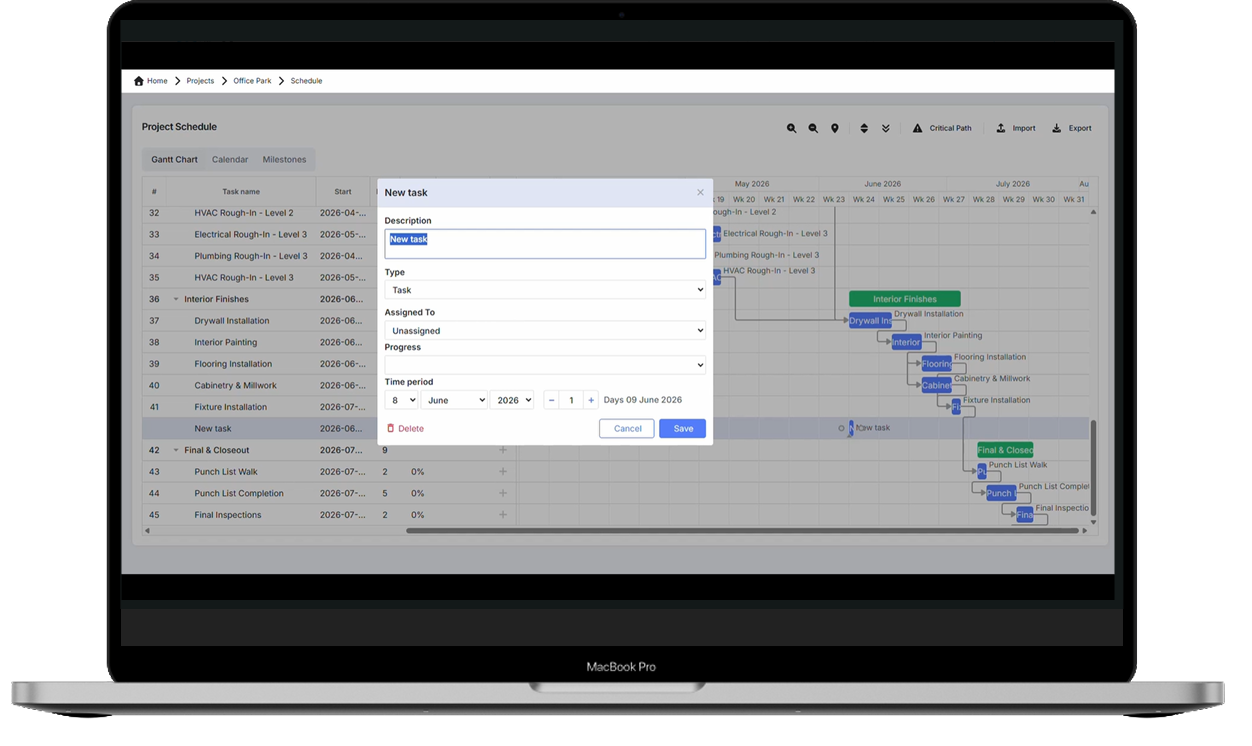
StruXure.co keeps your project on track by centralizing the entire schedule in one place and keeping teams on task at every stage of construction. You can build a schedule from scratch or import an existing Microsoft Project file and be up and running in seconds, adjust dates and durations directly in the timeline with drag and drop, and see the critical path that drives your completion date. Because the schedule is centralized and shared, everyone works from the current plan instead of an outdated copy.
Construction teams count on an up-to-date project schedule to tell them what day(s) they need to be on the jobsite and what the assigned tasks are for the given workday.
Superintendents and other stakeholders use construction project scheduling software as a look-ahead to track both current and planned objectives on the project.
StruXure.co syncs with Microsoft Project and Primavera (P6). When you are ready to share, schedules export to PDF, Excel, .csv, or back to Microsoft Project (.mpp). (import + export merged)
StruXure.co identifies your project's dynamic critical path with a single click, so you always know which tasks are driving the final completion date. The critical path updates as the schedule changes.
StruXure.co auto-schedules across all four dependency types: finish-to-start, start-to-start, finish-to-finish, and start-to-finish. Each supports custom lead and lag time.
Explore all that StruXure.co has to offer
The StruXure.co platform has a variety of features and capabilities built for builders. See them all today!


.webp)




.svg)
.svg "StruXure Crane - Full Grey (1)")