Specification Management that keeps every team on thesame page.
Stop hunting through binders or chasing the latest PDF. StruXure.co centralizes every spec selection, revision, and linked document, so your team always builds from the right information, whether in the office or in the field.
Every section, revision, and linked document in a single platform
No Binders
Your spec book organized and searchable from the moment you upload
Real-time
Revisions pushed to the full team the moment a new set is issued
We handle the organizing. You handle the building.
Managing thousands of spec pages across a project is a full-time job. StruXure.co takes the tedious work off your plate so that your team spends less time on documents and more time in the field.
Automated
StruXure.co intelligently stages the submittal log by analyzing your spec book, reducing manual effort and increasing efficienc
Simplified
StruXure.co streamlines approval processes, with secure access, automated reminders, integrated functionality, and nightly backups.
Real-time
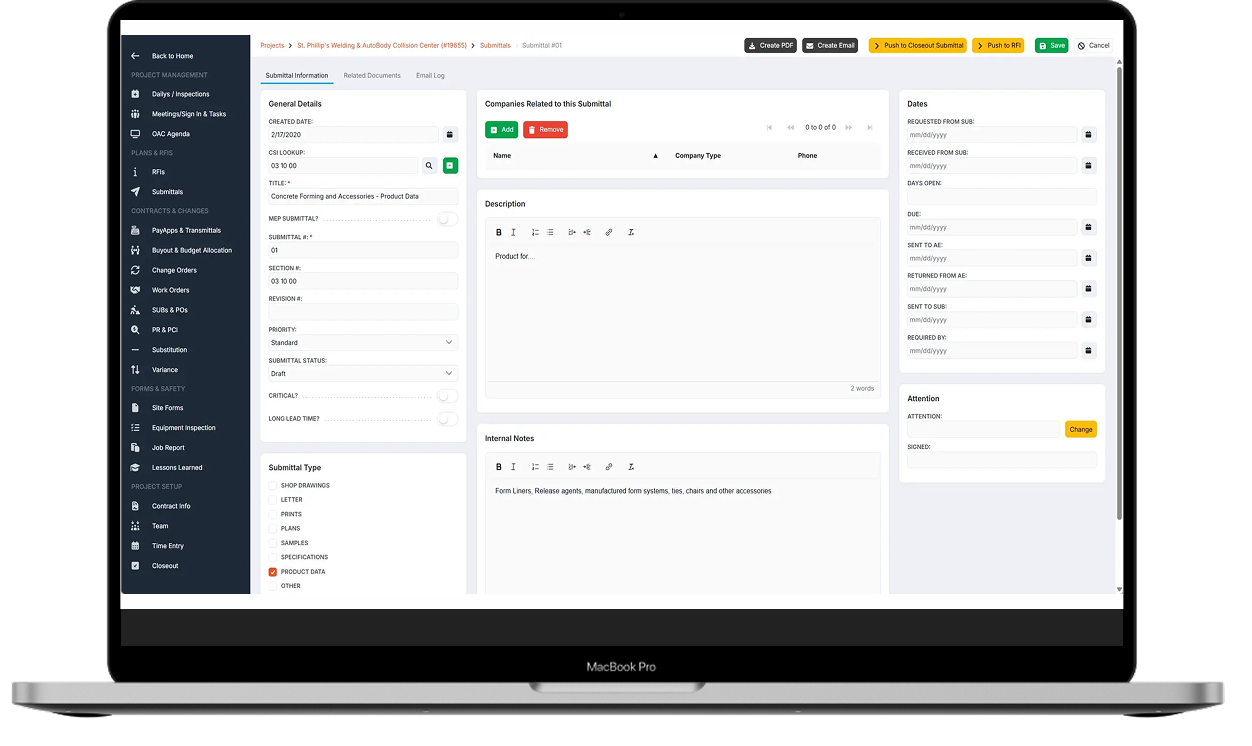
Track the status of every construction document as it moves through the process. Link associated documents and assign responsible parties so you know who's taking action.
Accessible
With StruXure.co, never waste time searching for information. Everything is organized and accessible, so you can quickly locate exactly what you need.
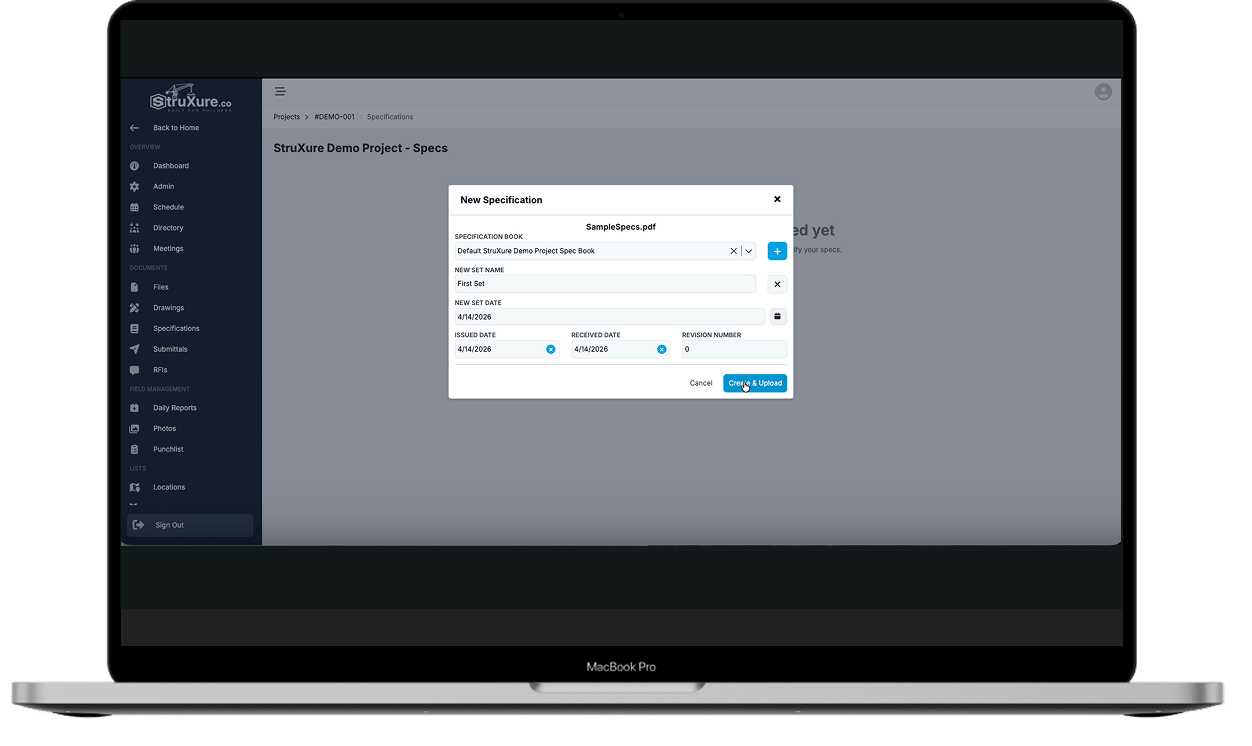
See how the spec import process works, start to finish.
Everything your field team needs, right on their phone
Your superintendents should not have to call the office to look up a spec section. With StruXure.co, they get instant mobile access to every specification linked to the drawings and RFIs that matter in the moment
Access full spec sections on iOS and Android
Link specs directly to open RFIs and submittals
Make informed decisions without leaving the field
VERSION CLARITY
One source of truth. No guesswork about which set is current
When specs get updated mid-project, the last thing you need is someone building off an old revision. StruXure.co automatically notifies the right people when anything changes and keeps a full history of every version.
Complete revision history, always accessible
Automatic notifications when new sets are issued
compare any two versions side by side
HASSLE-FREE ORGANIZATION
Upload your spec book. We do the sorting.
Skip the hours of manually naming, splitting, and organizing. StruXure.co reads your spec book, identifies each division and section, and builds a fully searchable index, so your team can find what they need fast, not eventually.
Auto-splits and labels by CSI division and section
Searchable by keyword, section number, or division
Flexible format that works for multi-phase projects
A note on how we use technology to assist
StruXure.co uses smart tools, including optional AI-assisted features, to help with tasks like spec indexing and submittal log generation. These tools are always optional, handle the repetitive work, and leave every review and decision in your hands. You stay in control.
Ready to start?
If you have questions or are ready to get started, contact us today to discuss how we can help turn your vision into reality.
It Is a centralized, searchable hub for every spec section on your project. Upload your spec book and StruXure.co organizes it by CSI division, tracks every revision, and connects each section to related drawings, RFIs, and submittals so nothing falls through the cracks.
Every change is logged with a full revision history. When a new set is issued, the right people are notified, and the platform marks exactly what changed. No one is building off a superseded version.
Yes. StruXure.co is built for mobile. Field staff can pull up any spec section on iOS or Android, view linked RFIs or submittals, and get the context they need without calling the office.
StruXure.co reads your spec book and automatically splits and labels it by division and section number. You can search by keyword, filter by phase or building, and drill down to exactly what you need. Even on large, multi-phase projects.
Yes. Spec sections link directly to related submittals and RFIs on the same project. Links are built automatically where possible, and any team member can add or adjust them manually.
Yes. The StruXure.co platform is designed specifically to handle multiple spec books at once.
Explore all that StruXure.co has to offer
The StruXure.co platform has a variety of features and capabilities built for builders. See them all today!


.png)
.png)
.png)
.png)
.png?width=1252&height=746&name=Specifications%20review%20(1).png)
.webp?width=1252&height=746&name=Hassle%20free%20organization%20-%20Specifications%20(1).webp)

.svg)
.svg "StruXure Crane - Full Grey (1)")